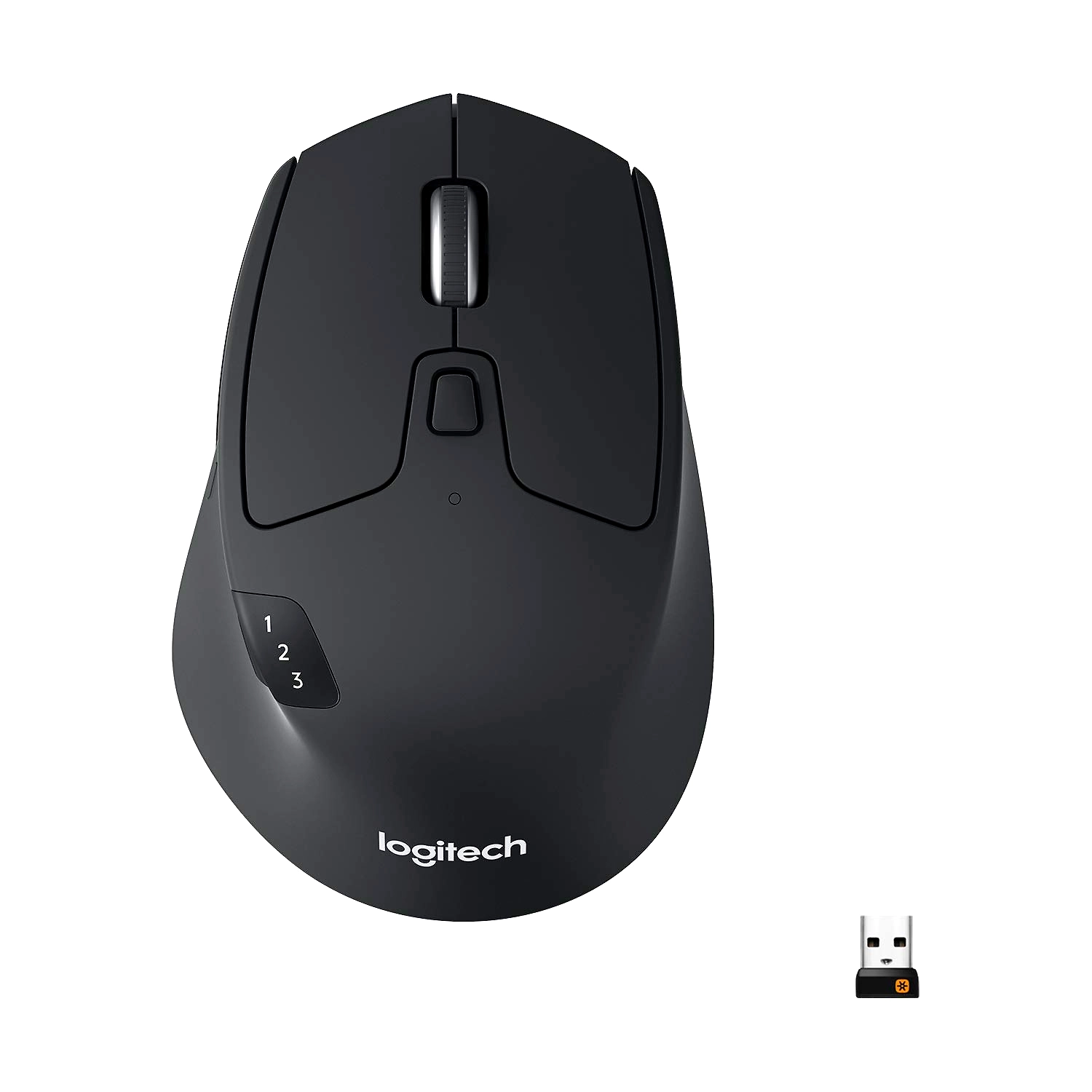
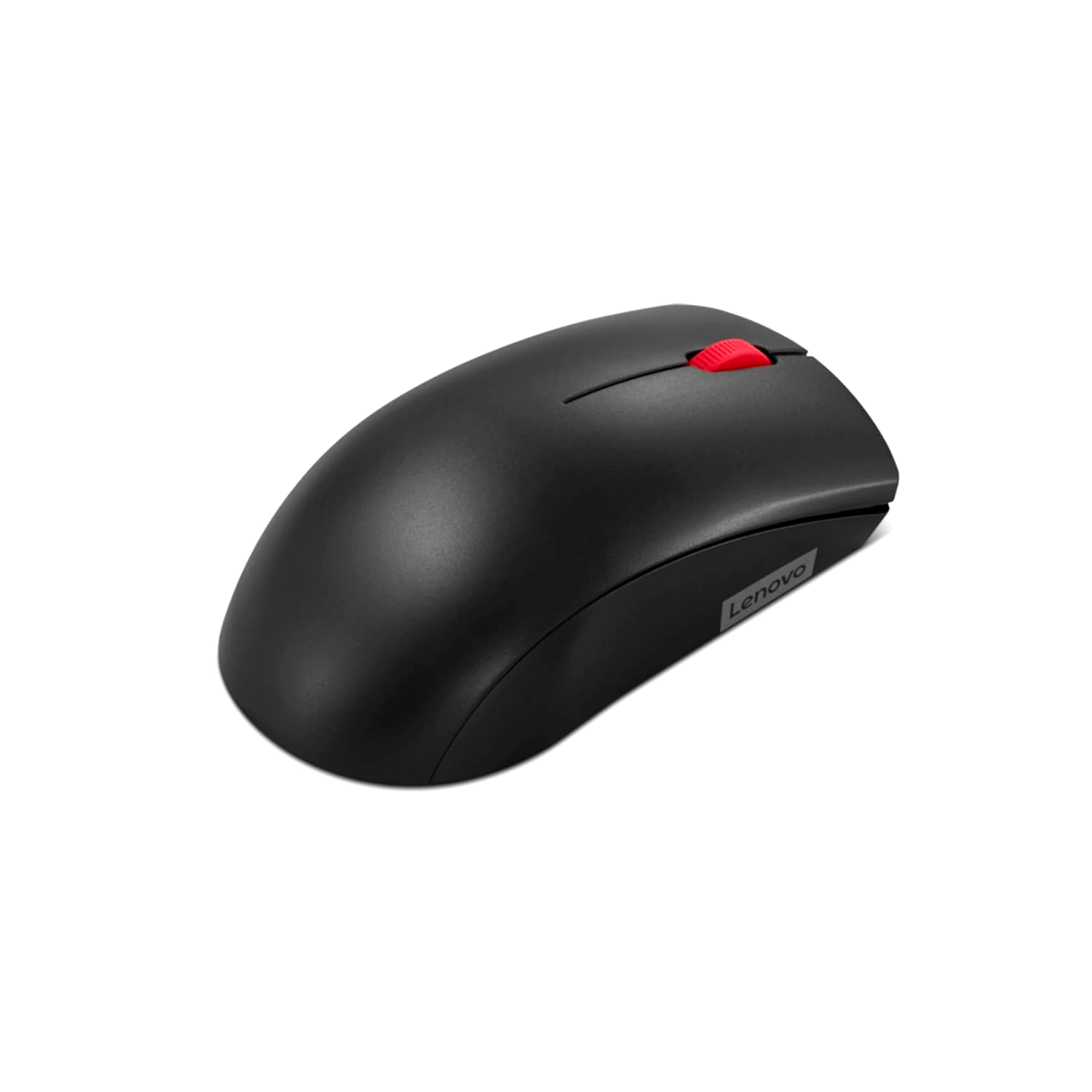
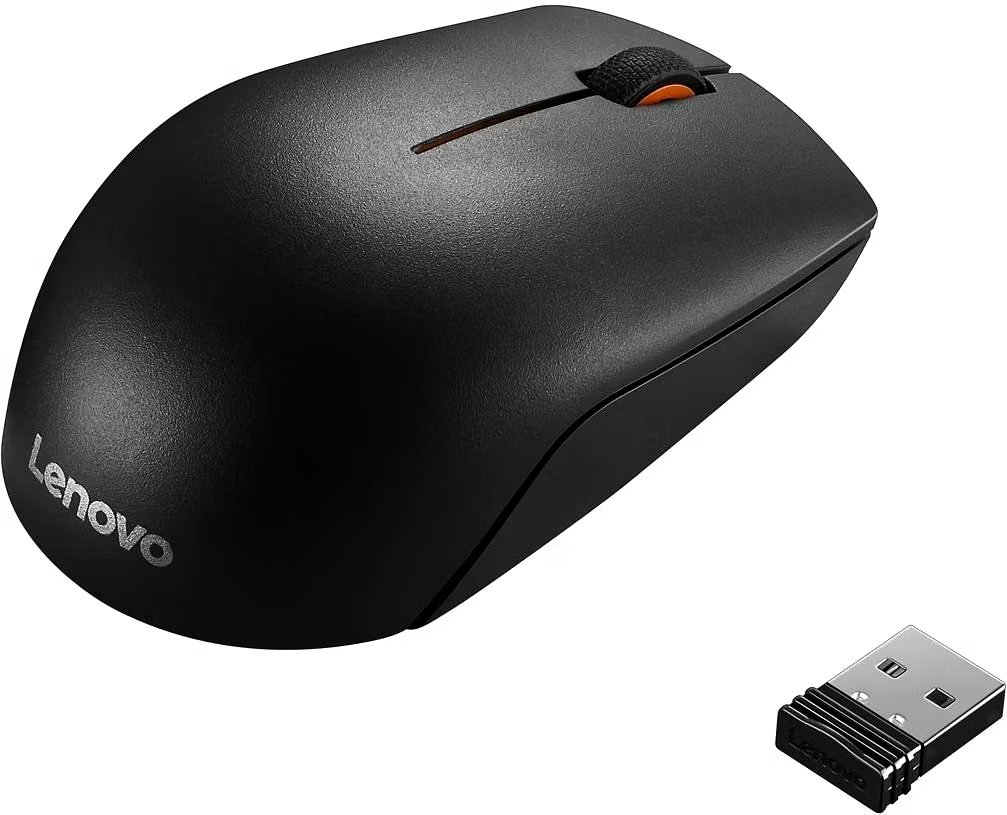
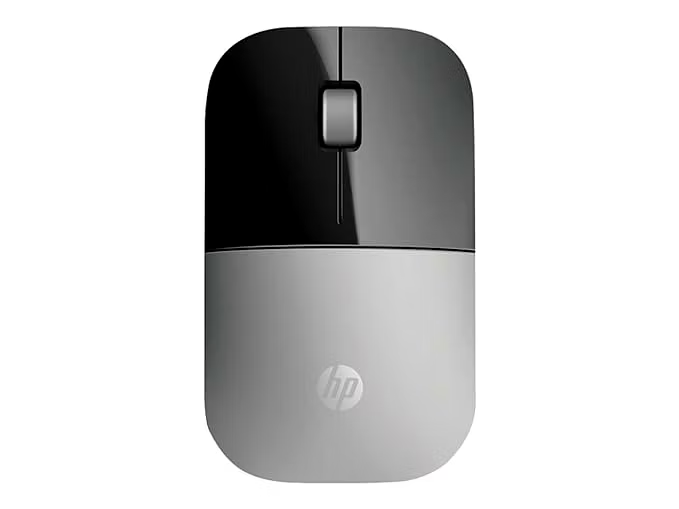
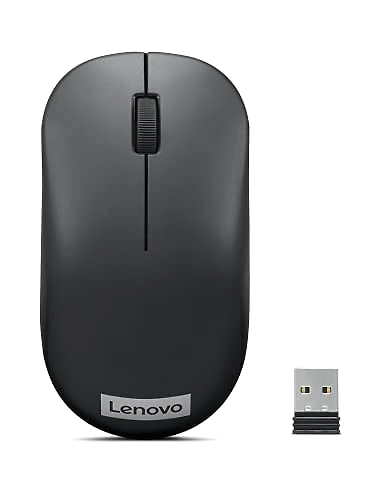
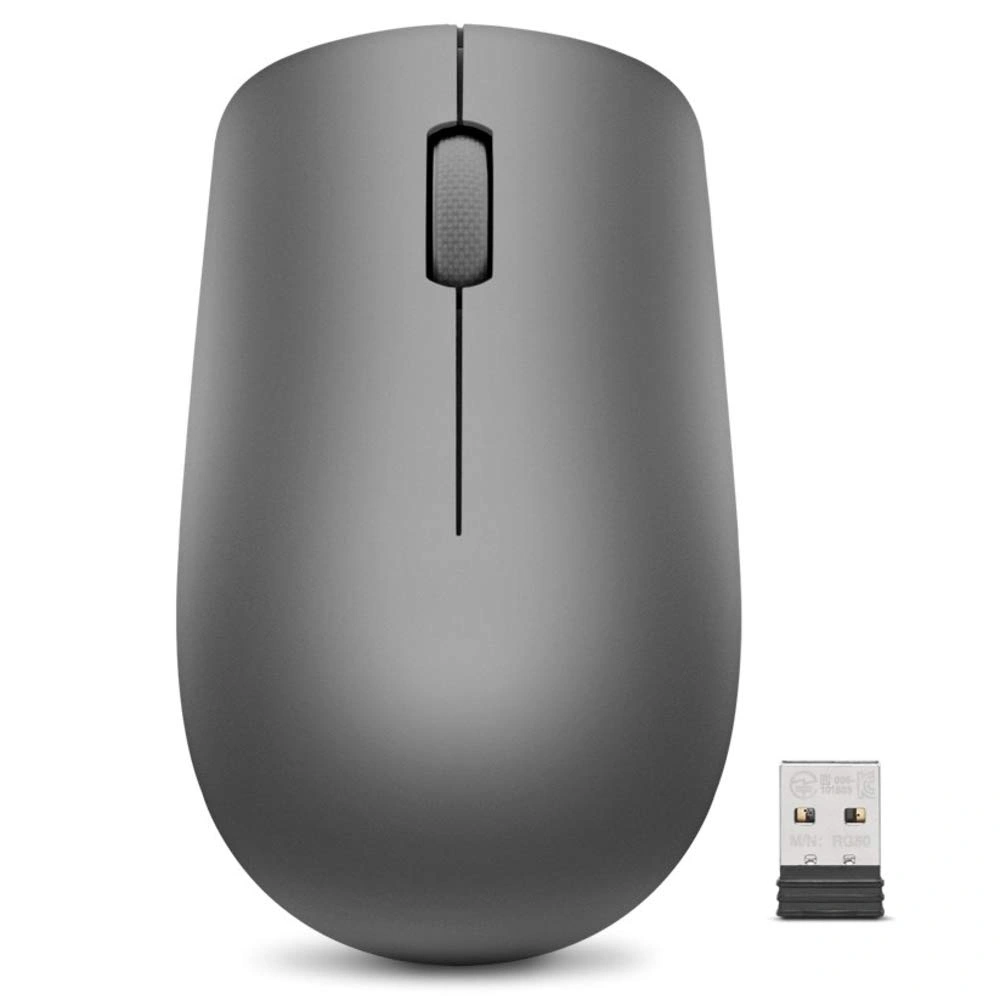
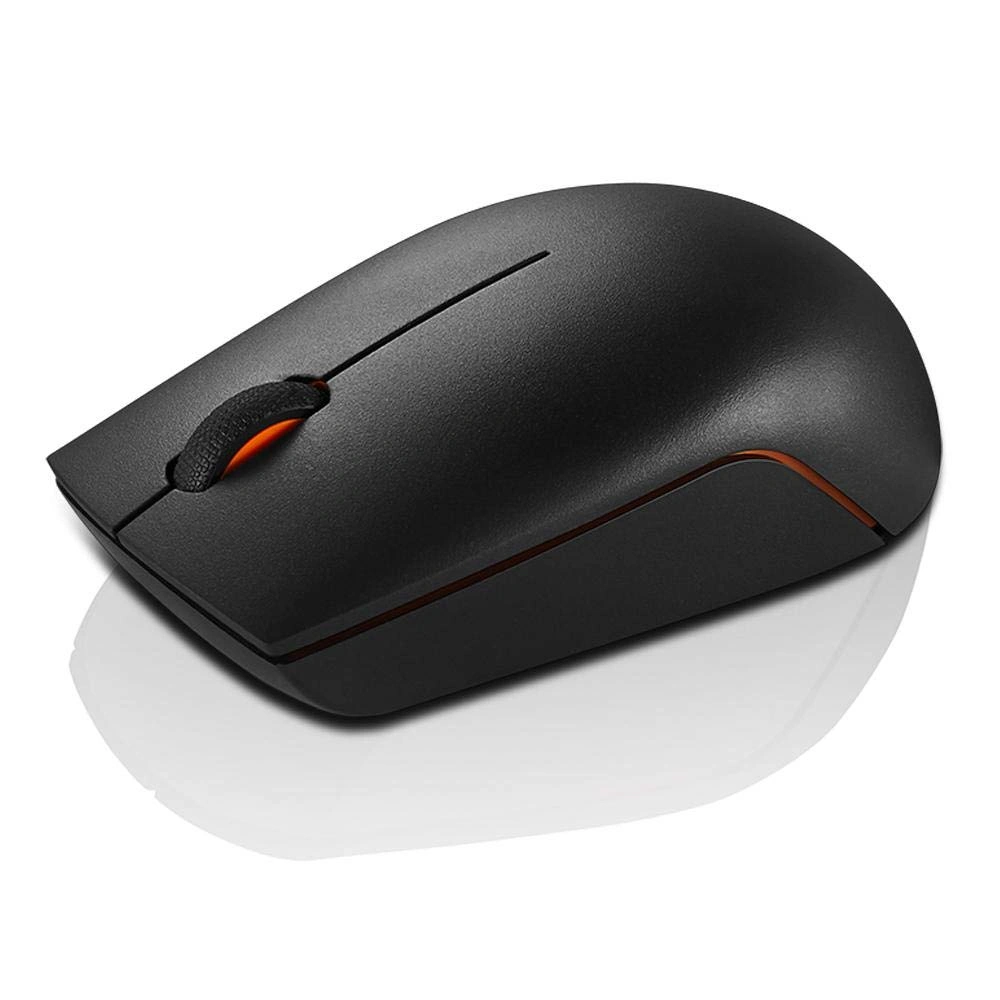
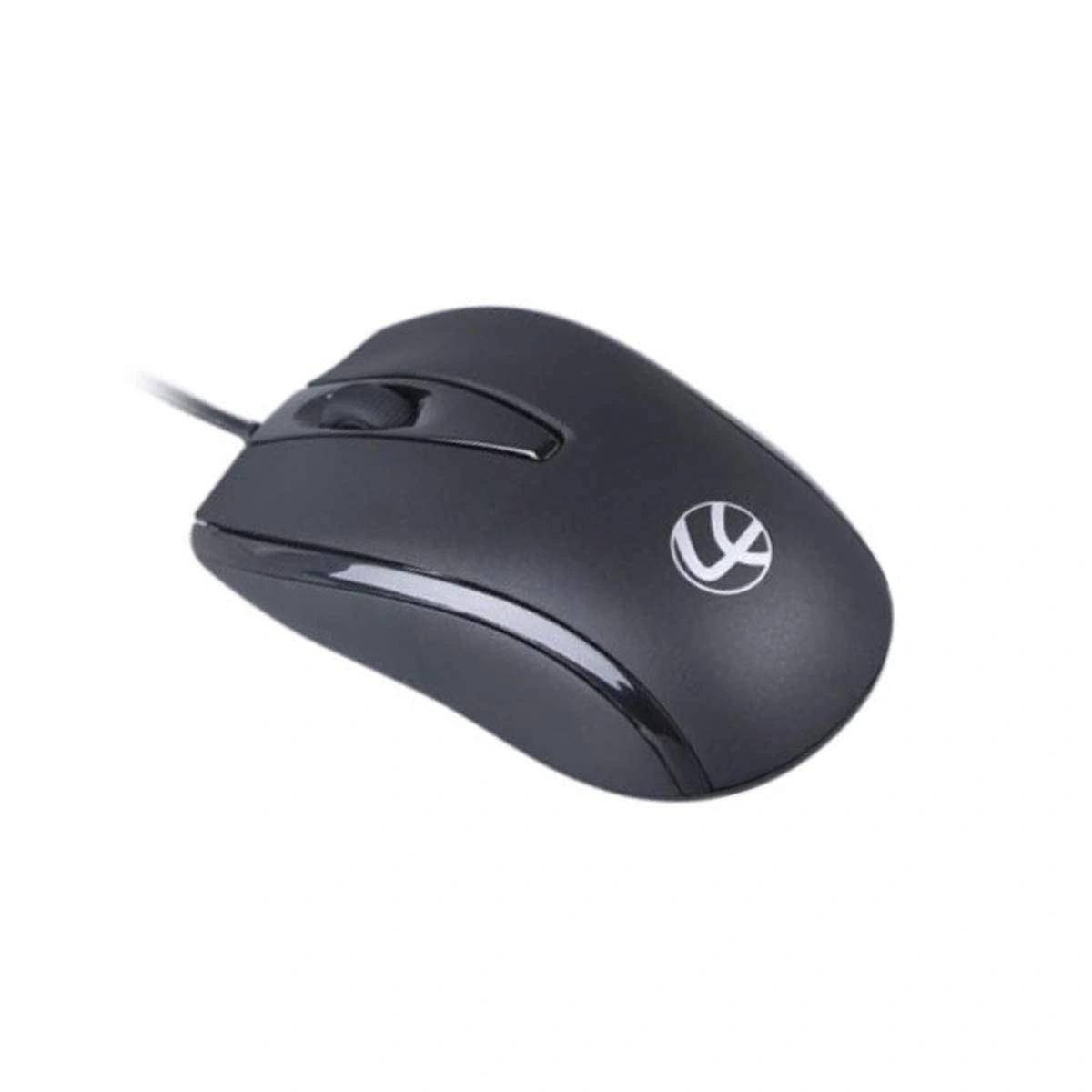
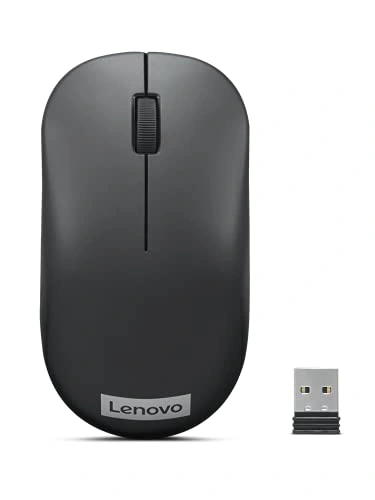
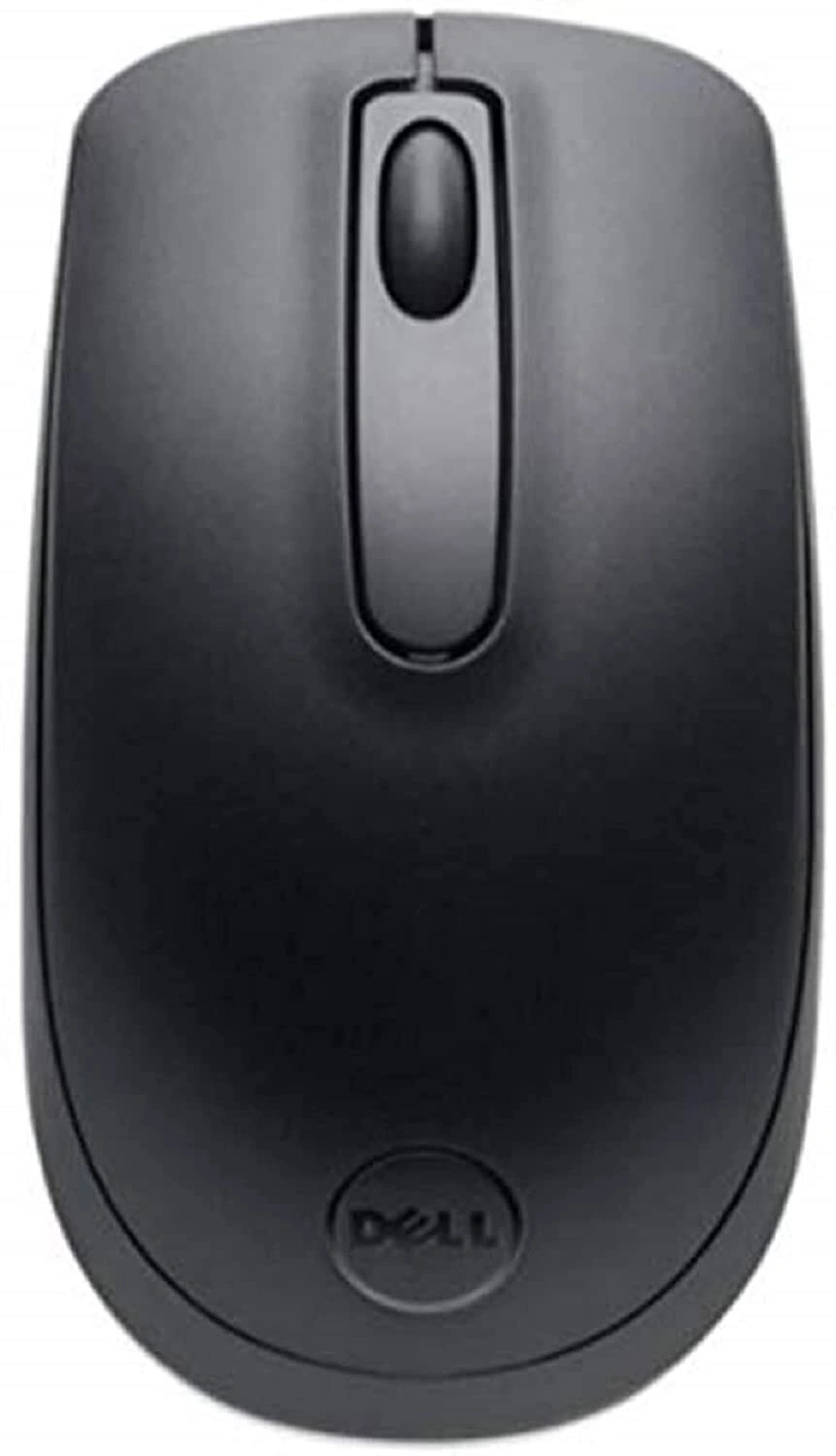
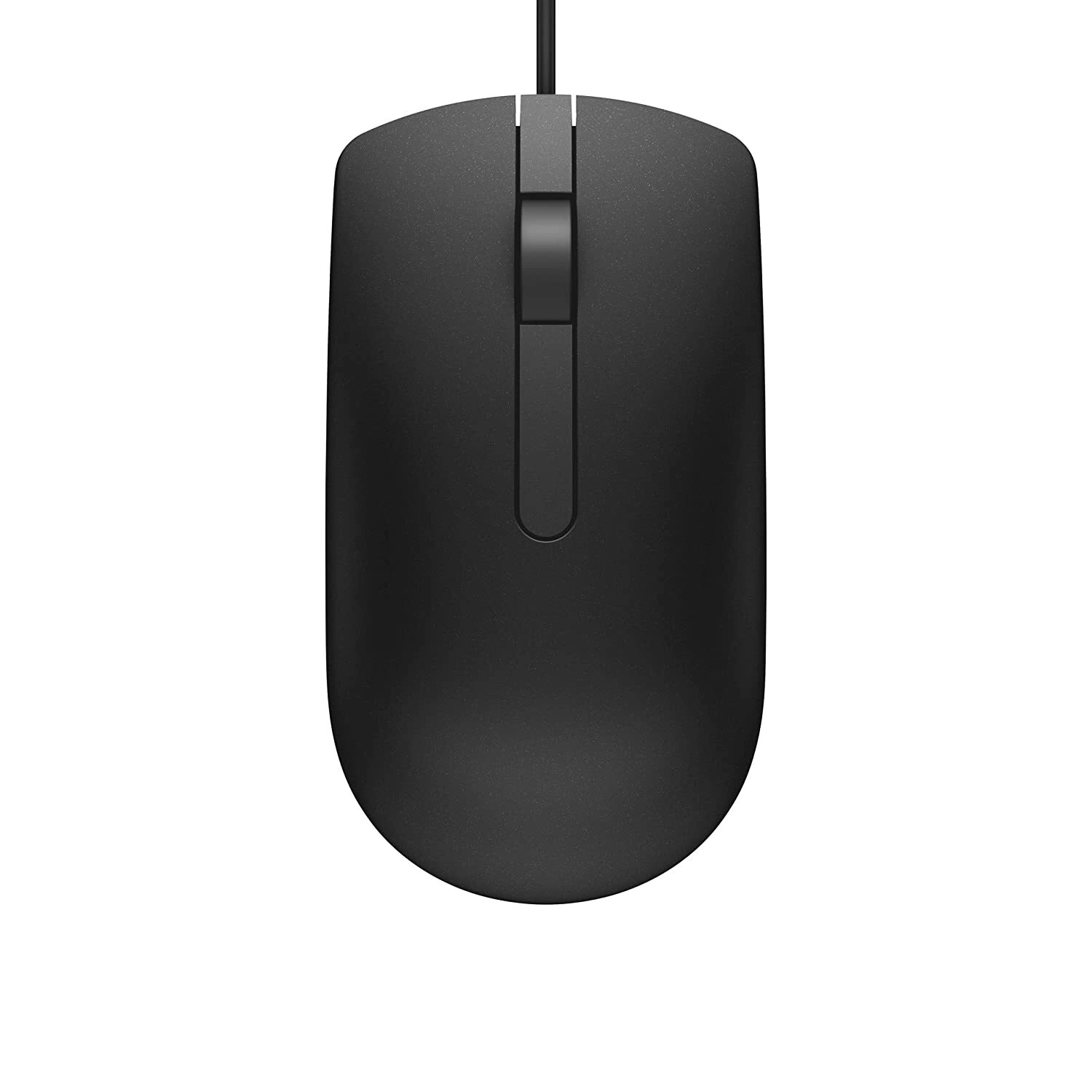
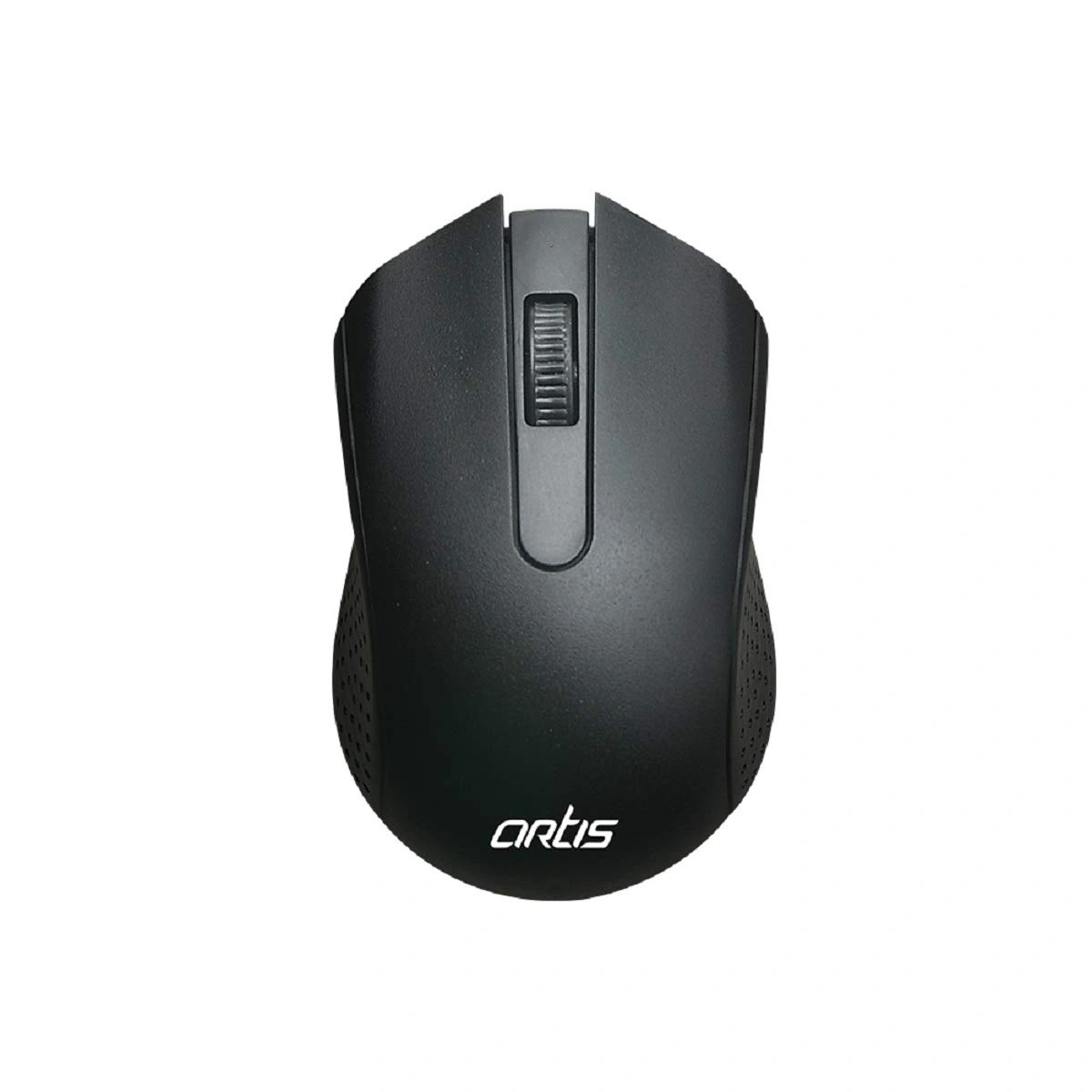
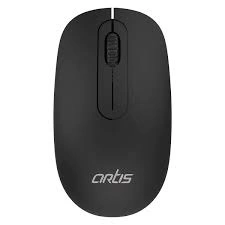
The WM60 Wireless Mouse in Black combines ergonomic design with advanced wireless technology, making it the perfect companion for busy professionals and casual users alike. Engineered for comfort, this mouse ensures prolonged usage without discomfort, allowing for smooth operations during extensive work sessions. With its plug-and-play capability, setup is an effortless experience—just plug in the USB receiver, and you're ready to go without the need for any drivers. The 2.4 GHz wireless technology provides a stable and responsive connection, enabling users to work from a distance of up to 8 meters without any lag. Compatible with various devices, including Windows, Mac, and laptops, the WM60 is designed to meet the needs of modern-day multitasking, making it an ideal choice for high-speed tasks in a wireless mode. Say goodbye to tangled cords and enjoy the freedom of movement with the WM60 Wireless Mouse.
Key Features
| Features | Description |
|---|---|
| Design | Ergonomic and comfortable design for prolonged use |
| Connectivity | Smooth connection with 2.4 GHz wireless technology |
| Compatibility | Works seamlessly with Windows, Mac, Laptop, and Computer |
| Range | Long working distance of up to 8 meters |
| Setup | Convenient plug-and-play installation without drivers |
| Attributes | Description |
|---|---|
| Color | Black |
| Technology | Wireless |
| Battery Life | Extended battery efficiency (exact hours may vary) |
| Operating Distance | Up to 8 meters |
| Dimensions | Compact size for easy portability |
*Disclaimer: The above description has been AI-generated and has not been audited or verified for accuracy. It is recommended to verify product details independently before making any purchasing decisions.
While the WM60 Wireless Mouse is designed primarily for office and everyday tasks, it features a responsive optical sensor that may work for casual gaming, but it's not tailored for high-speed competitive gaming.
Yes, the WM60 Wireless Mouse requires a battery to operate; please refer to the packaging for specific battery requirements.
The WM60 Wireless Mouse works best on standard mouse pads or clean, flat surfaces to ensure optimal tracking.
No, the WM60 Wireless Mouse connects to one device at a time using its USB receiver. You need to disconnect and reconnect to switch devices.
Simply insert the USB receiver into your computer's USB port, and the mouse will automatically connect without needing any additional software installation.
Brand: artis