


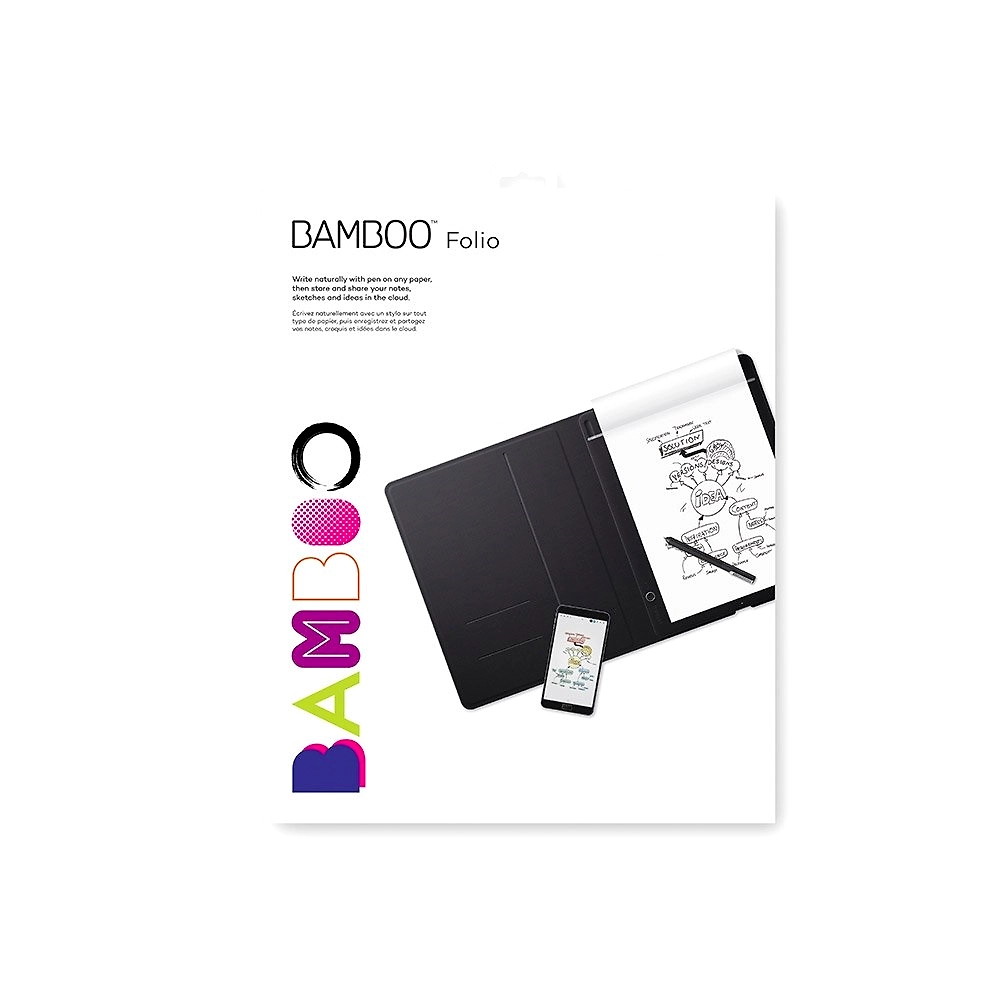
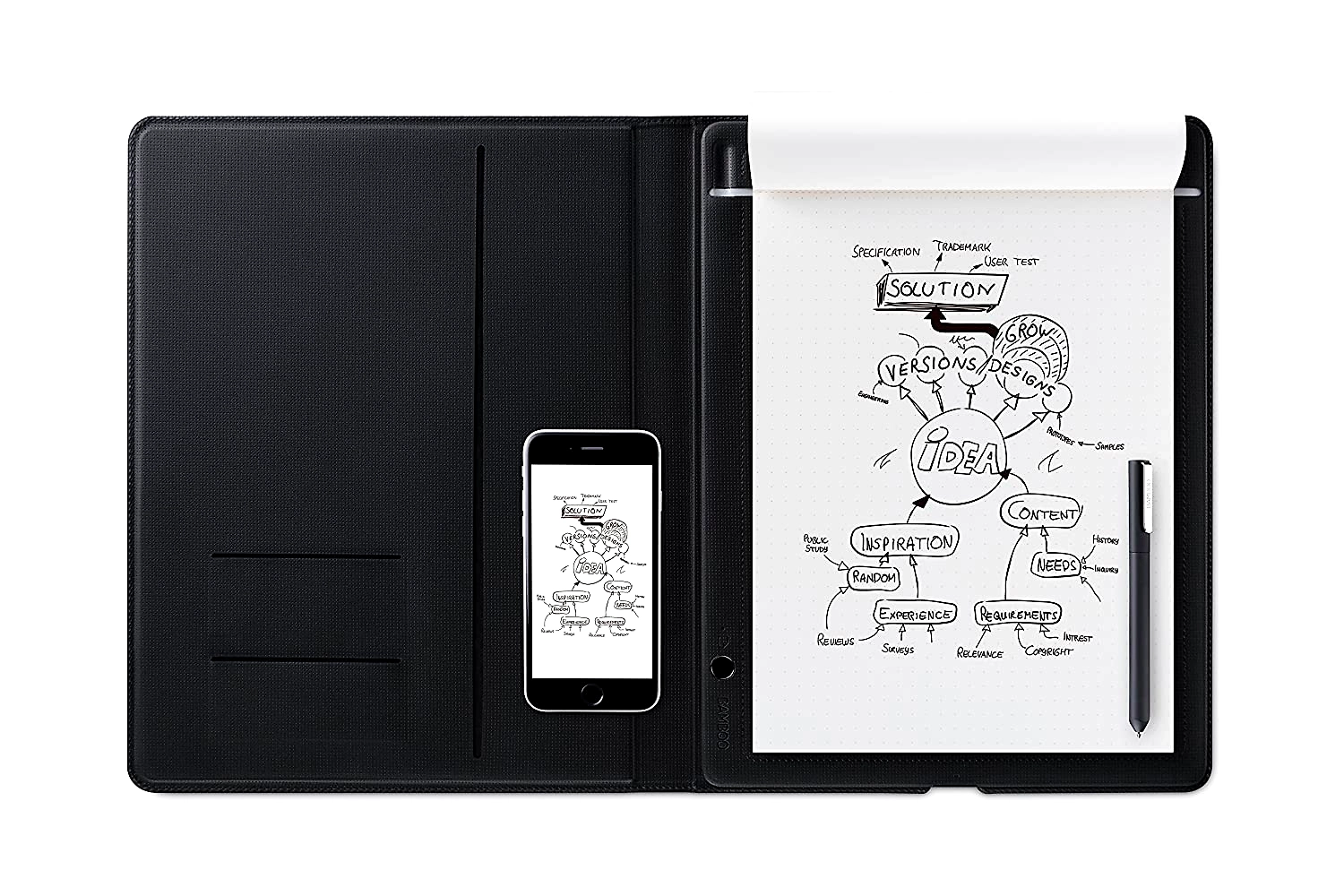
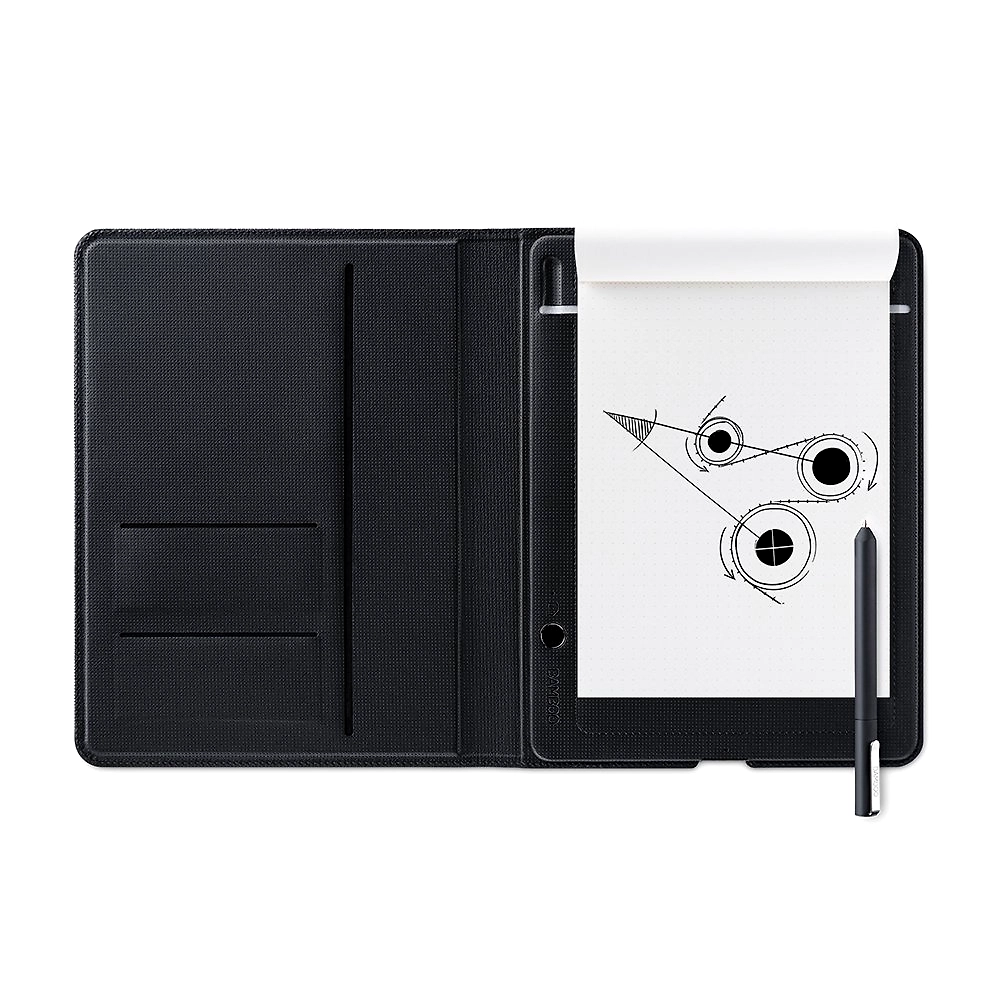
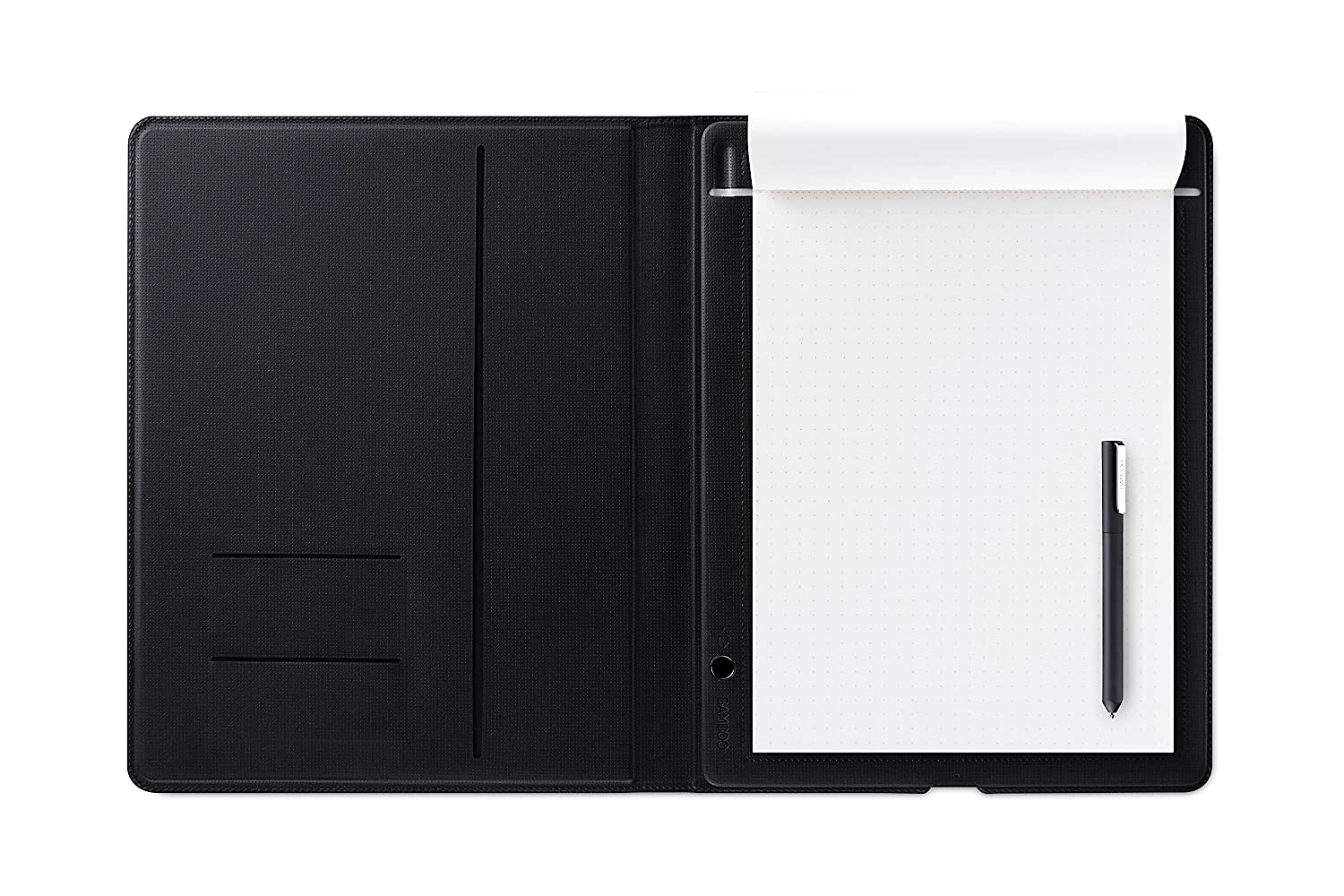
Wacom Bamboo Folio Large is a smart digital notepad designed to transform traditional handwritten notes and drawings into editable, sharable digital files effortlessly. Equipped with a pressure-sensitive Wacom Ballpoint pen and a large writing pad, this product captures all handwriting details accurately, even through layers of paper up to 80 sheets thick. Users can write on any preferred paper type—whether lined, squared, or plain—and instantly digitize their content at the touch of a button. The Bamboo Folio syncs seamlessly with the Wacom Inkspace app, enabling efficient note organization through hashtags, converting handwritten notes into editable rich text or DOC files using the Ink to Text feature, and sharing work digitally via PDF or DOC formats. The device supports real-time collaboration using Ink Collaboration on web-based platforms, making it ideal for professionals who rely on diagrammatic thinking, mind mapping, and collaborative workflows. It supports Android, iOS, and Windows devices, allowing integration with popular communication tools like Microsoft Teams and Zoom for screen sharing. The included pen offers smooth handwriting with easily replaceable ink cartridges, making Bamboo Folio a perfect blend of classic pen-and-paper feel with modern digital convenience for businesses and professionals seeking enhanced productivity in note-taking and brainstorming.
Key Features
| Features | Description |
|---|---|
| Digitization Technology | Instantly digitizes handwritten notes and diagrams at the press of a button |
| Pen Type | Pressure-sensitive Wacom Ballpoint pen with replaceable ink cartridges |
| Paper Compatibility | Works with any paper type including lined, squared, plain or even napkins |
| Pressure Sensitivity | Captures subtle pressure changes through up to 80 sheets of paper |
| Connectivity | Syncs with Wacom Inkspace app on Android, iOS, and Windows devices |
| File Export Formats | Supports exporting notes as rich text, DOC, and PDF formats |
| Ink to Text Conversion | Converts handwritten notes to editable text via Wacom Inkspace app |
| Collaboration Features | Real-time Ink Collaboration tool for online teamwork via the web |
| Sharing Capabilities | Share notes over email, messaging apps, and screen share via Microsoft Teams, Zoom |
| Organizational Tools | Page tagging using hashtags to easily categorize and search notes |
| Attributes | Description |
|---|---|
| Product Type | Smart Digital Notepad |
| Model | Bamboo Folio Large |
| Dimensions | Large format (exact dimensions depend on model release - approx A4 size) |
| Pen Power Source | No battery required for pen; uses refillable ink cartridges |
| Device Compatibility | Android, iOS (tablet and phone), Windows laptops and PCs |
| App Required | Wacom Inkspace App (registration and Wacom ID required) |
| File Formats Supported | PDF, DOC, Rich Text, MP4 (video recording of note creation) |
| Collaboration Capability | Ink Collaboration real-time canvas on the web |
| Sync Method | Bluetooth or USB syncing via app |
| Included Accessories | Wacom Ballpoint pen with ink cartridges, digital notepad pad, USB cable |
| Battery Life | Insufficient Information |
| Weight | Insufficient Information |
*Disclaimer: The above description has been AI-generated and has not been audited or verified for accuracy. It is recommended to verify product details independently before making any purchasing decisions.
Yes, the Bamboo Folio captures notes accurately on any paper type including lined, squared, plain, or even napkins and converts them to editable text through the Ink to Text feature in the Wacom Inkspace app.
Yes, the Bamboo Folio integrates with the web-based Ink Collaboration tool, allowing multiple users to work simultaneously on a shared digital canvas regardless of their physical location.
Digitized notes can be exported in PDF, DOC, and rich text formats, and the app can also generate MP4 videos demonstrating the note creation process.
The included Wacom Ballpoint pen does not require batteries for writing; it uses replaceable ink cartridges which provide the classic pen and paper feel.
The device’s pen is pressure-sensitive and can detect subtle pressure changes through up to 80 sheets of paper, ensuring no detail is lost irrespective of paper thickness.
The new way to take notes
Sick of having to type up all your handwritten notes? Good news: Bamboo Slate and Bamboo Folio do it for you. They capture all your notes digitally – which can then be exported as rich text or DOC files using the Ink to Text feature on the Wacom Inkspace app*.
The pen and pad accurately pick up all your unique handwriting quirks, meaning no details are lost. And you can work on whatever paper you choose – squared, lined or even a napkin.
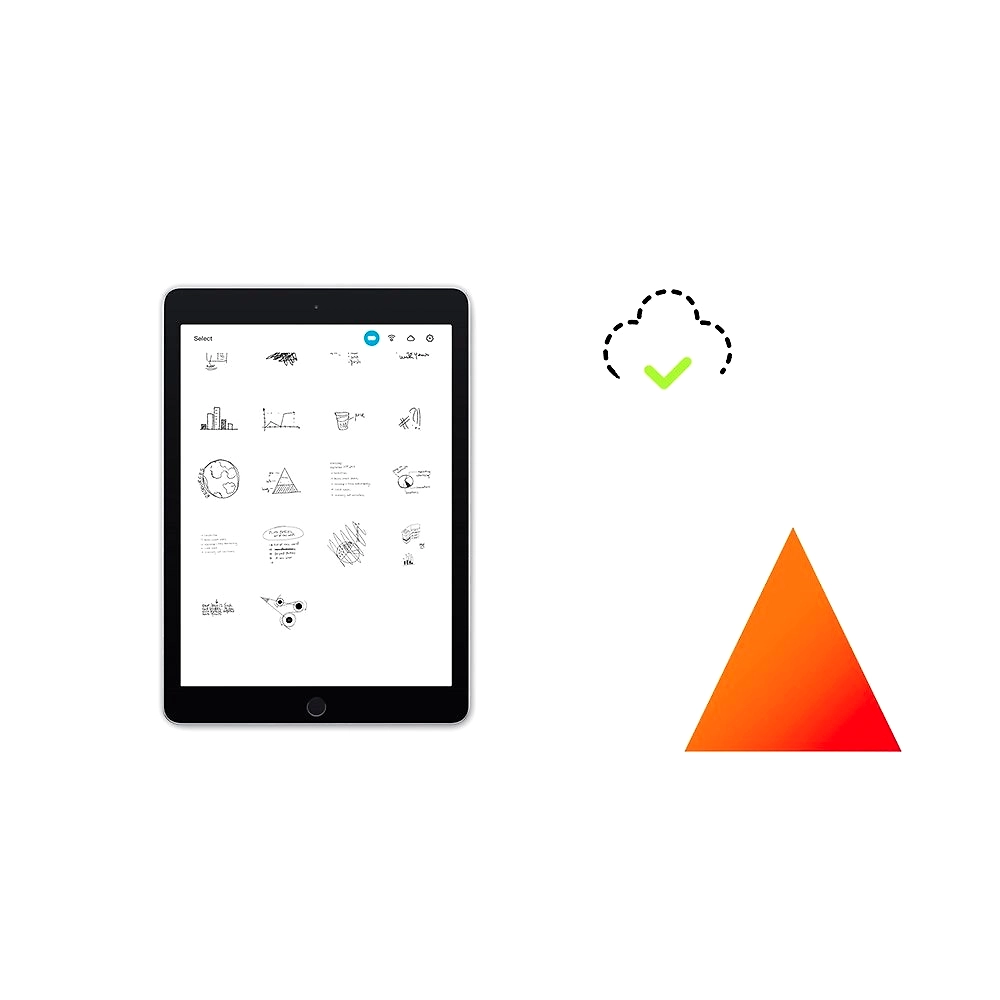
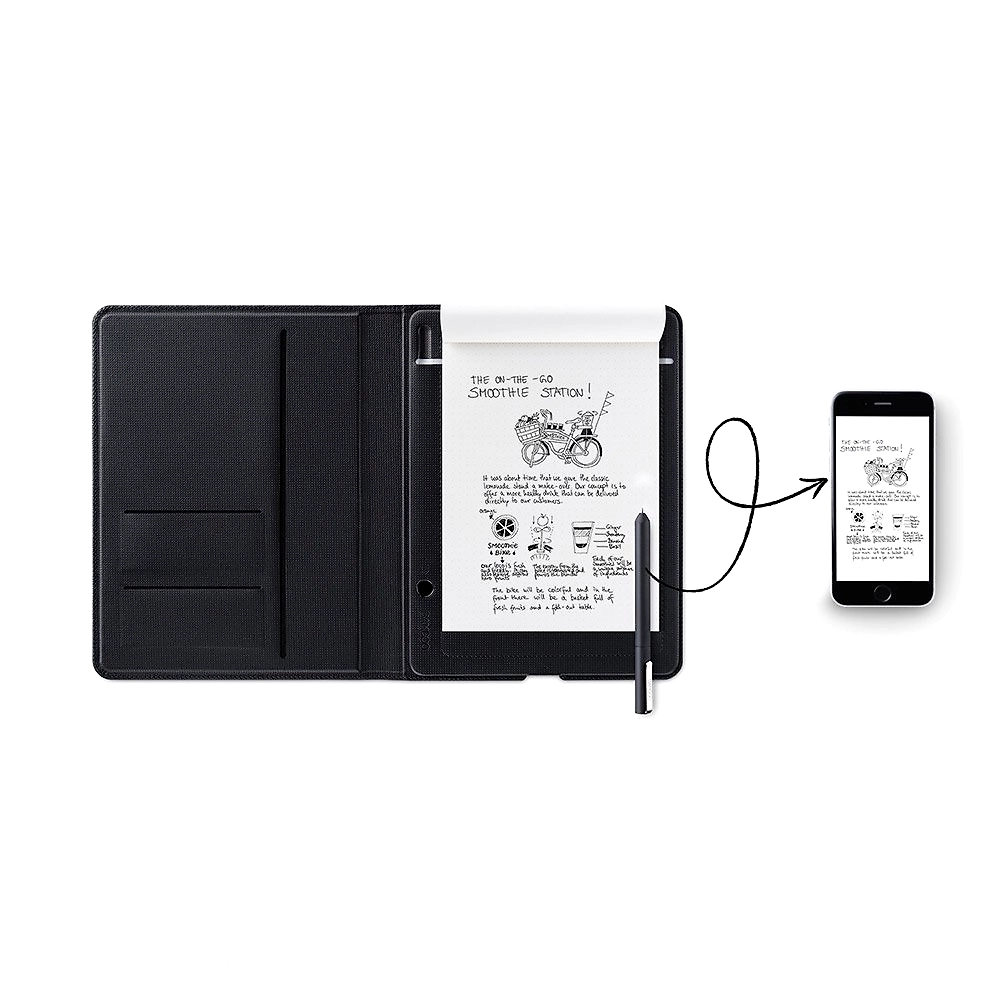
Once you’ve got everything down, you can quickly sync notes to your device for sharing and editing. Plus, you can add a hashtag to each page, making easy to keep everything organized.
*Requires registration and a Wacom ID.Product description
Give paper new powers with our smartpads
Bamboo Slate and Bamboo Folio smartpads completely transform the art of putting pen to paper. They instantly digitize your handwritten notes and diagrams in remarkable detail – at the simple push of a button. You get all the magic of working with real ink, but can then edit, share and organize your handiwork with digital ink. Are you ready for new powers?
A visual thinker’s best friend
If you think in diagrams, graphs and mind-mapping, Bamboo Slate and Bamboo Folio are the perfect companions. You can start by drawing on paper, then sync it to your device at the push of a button.
A pen sensitive to your needs
When it’s time to digitize your work, you don’t have to worry about losing any of the detail. Bamboo Slate and Bamboo Folio can pick up subtle changes in pressure from the Wacom Ballpoint pen – even through 80 sheets of paper.
Transport your ideas into the digital world
Putting pen to paper is just the start. When you’re ready, you can sync your notes and ideas to the Wacom Inkspace app and develop them digitally.
The app’s Ink to Text feature handily converts your handwritten notes to rich text or DOC formats, saving you the hassle of re-typing your work. And if you’re keen to share your creative process, Inkspace can record your work as MP4 video files that show your thought process coming together line by line.
On the web-based version of the app, our Ink Collaboration tool even allows you to work on a real-time canvas simultaneously with your friends of colleagues. So you can continually work together, no matter where you all are.The pen sits snugly in your hand and its ink cartridges can be easily replaced. All you have to think about is what you’ll create with it.Whatever you draw, it’s easy to categorize and keep your work in order with our intuitive tagging feature. And you can doodle away on your favorite paper knowing that every stroke will be captured accurately.Bamboo Slate and Bamboo Folio smartpads completely transform the art of putting pen to paper. They instantly digitize your handwritten notes and diagrams in remarkable detail – at the simple push of a button. You get all the magic of working with real ink, but can then edit, share and organize your handiwork with digital ink.
Share your mobile (Android/iOS) or laptop (Windows) screen using Microsoft Team, Zoom app.
Save your handwritten notes and share them in PDF, DOC format over Email or messaging app
Convert your hand written notes to Text using Inkspace App
Inclusive of all taxes
You Save: 0

Pune , India
Retailer, Distributor, Exporter, Importer, Wholesaler
GST- 27ABBCS5618K1Z2
