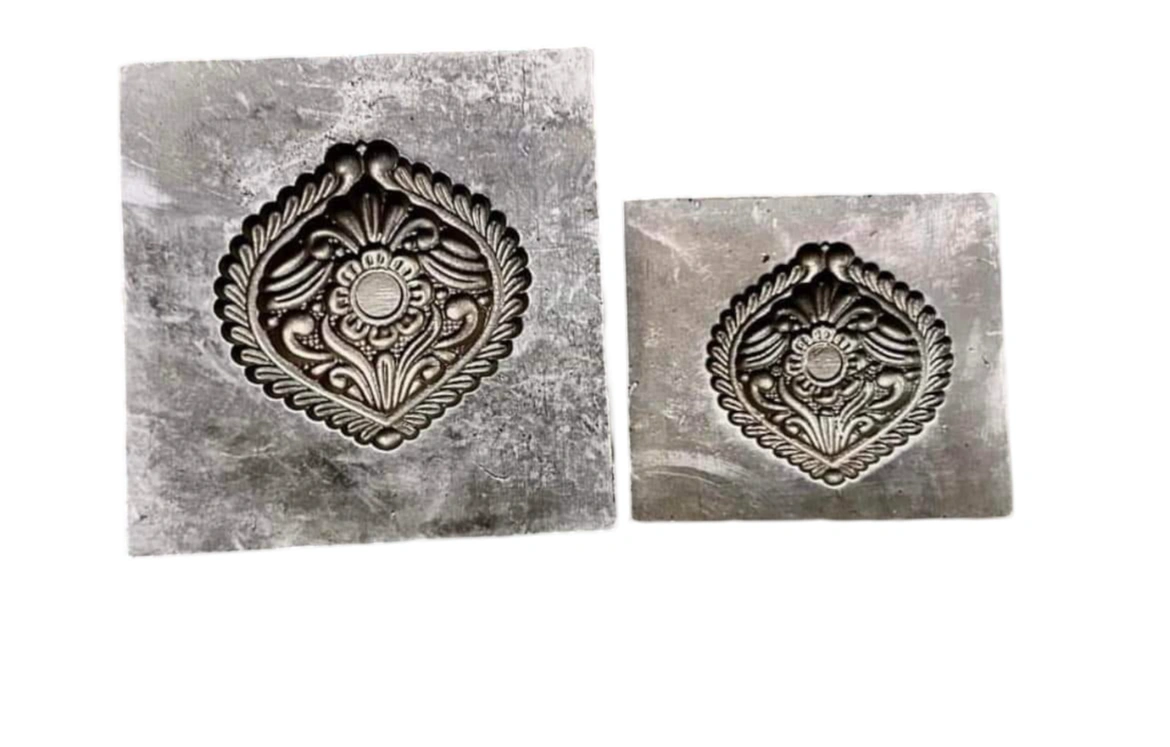
The 3D Model STL File is a crucial asset for any B2B enterprise looking to engage in 3D printing or computer-aided design (CAD) processes. STL, or 'Standard Tessellation Language,' is a file format that enables seamless integration between 3D modeling applications and various 3D printers. Originally developed in the late 1980s by 3D Systems for stereolithography, the STL format has become the industry standard due to its ability to effectively describe the surface geometry of 3D objects using a mesh of interconnected triangles. This file type is vital for businesses in the fields of prototyping, product design, and manufacturing, as it allows for efficient slicing of models into layers for precise 3D printing. The STL format is compatible with a multitude of modern 3D modeling software and printers, making it a versatile choice for a wide range of applications.
Key Features
| Features | Description |
|---|---|
| Format | STereoLithography (STL) |
| Compatibility | Compatible with most 3D printers and modeling software |
| Mesh Structure | Describes surface geometry using triangular facets |
| Storage Options | Available in Binary and ASCII formats |
| Human-Readable | ASCII format allows for easy editing |
| Unit Agnostic | No inherent dimensional data, user must define scale upon upload |
| Attributes | Description |
|---|---|
| File Type | 3D Model file |
| Development Origin | Created by 3D Systems in the late 1980s |
| Triangle Definition | Each triangle consists of 3 vertices and a normal vector |
| File Size | Compact in Binary format |
| Use Cases | 3D printing, prototyping, CAD design |
*Disclaimer: The above description has been AI-generated and has not been audited or verified for accuracy. It is recommended to verify product details independently before making any purchasing decisions.
The STL file format is primarily used for 3D printing and computer-aided design, allowing the transfer of 3D models between various modeling applications and printers.
Binary STL files are more compact and efficient for storage, while ASCII STL files are human-readable and can be easily edited but take up more space.
No, STL files do not include inherent size information, so it is essential to define the scale when importing them into 3D printing or CAD software.
STL files represent the surface geometry of a 3D object through a series of linked triangles, where each triangle is defined by three vertices and a normal vector.
The STL format was developed by 3D Systems in the late 1980s for use with their stereolithography CAD software.
Country Of Origin: India
An STL report inside the context of 3D design refers to a specific record layout extensively used for 3-D printing and laptop-aided design (CAD). Here’s a top level view of what an STL record is and its importance:
1. **Definition**: STL stands for "STereoLithography" or "Standard Tessellation Language." It is a record format native to the stereolithography CAD software created through 3-d Systems within the late 1980s. STL files are broadly used nowadays in numerous 3D modeling packages and are like minded with most 3-d printers.
2. **Purpose**: STL documents constitute the surface geometry of a 3D object using a group of triangular aspects (mesh). This illustration is enough for maximum 3D printers and permits them to slice the item into layers for printing.
3. **Structure**: STL files describe the shape of the item the use of a series of linked triangles (aspects). Each triangle is defined via 3 vertices and a ordinary vector that specifies its orientation relative to the item's floor.
Four. **File Characteristics**:
- **Binary vs. ASCII**: STL files can be stored in either binary or ASCII (text-based totally) codecs. Binary documents are more compact and efficient for storage and transmission, at the same time as ASCII documents are human-readable and editable.
- **Units**: STL files do now not usually incorporate information approximately gadgets of dimension, so it is important to outline the scale whilst uploading them into 3D printing or CAD software program.